Understanding how a data center's cooling works
EOLIOS is an expert in heat dissipation for data centers.
As the volume of information and the degree of computerisation of work processes grow, the security of this information during uninterrupted server operation becomes increasingly critical. A failure in this area can halt all of the company's activities and cause serious losses. One of the main conditions for stable server operation is maintaining the optimal air temperature within the server rooms, achieved using systems based on precision cooling.
Operating a data center is energy-intensive: the cooling system often consumes as much (or more) energy as the computers it supports.
In this article, we look at some of the most commonly used data center cooling technologies, as well as the new approaches of CFD simulation.
Cold-aisle / hot-aisle design
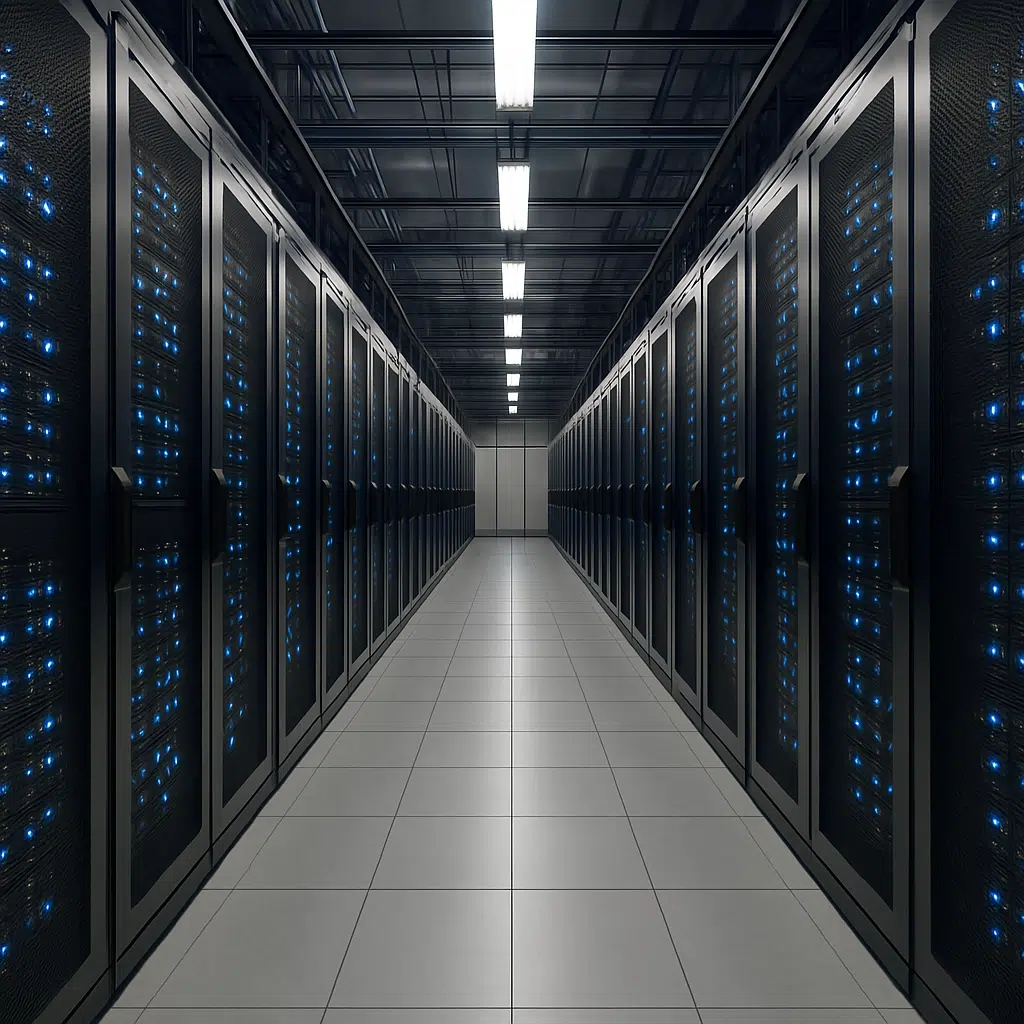
This is a data center rack layout that uses alternating rows of “cold aisles” and “hot aisles”.
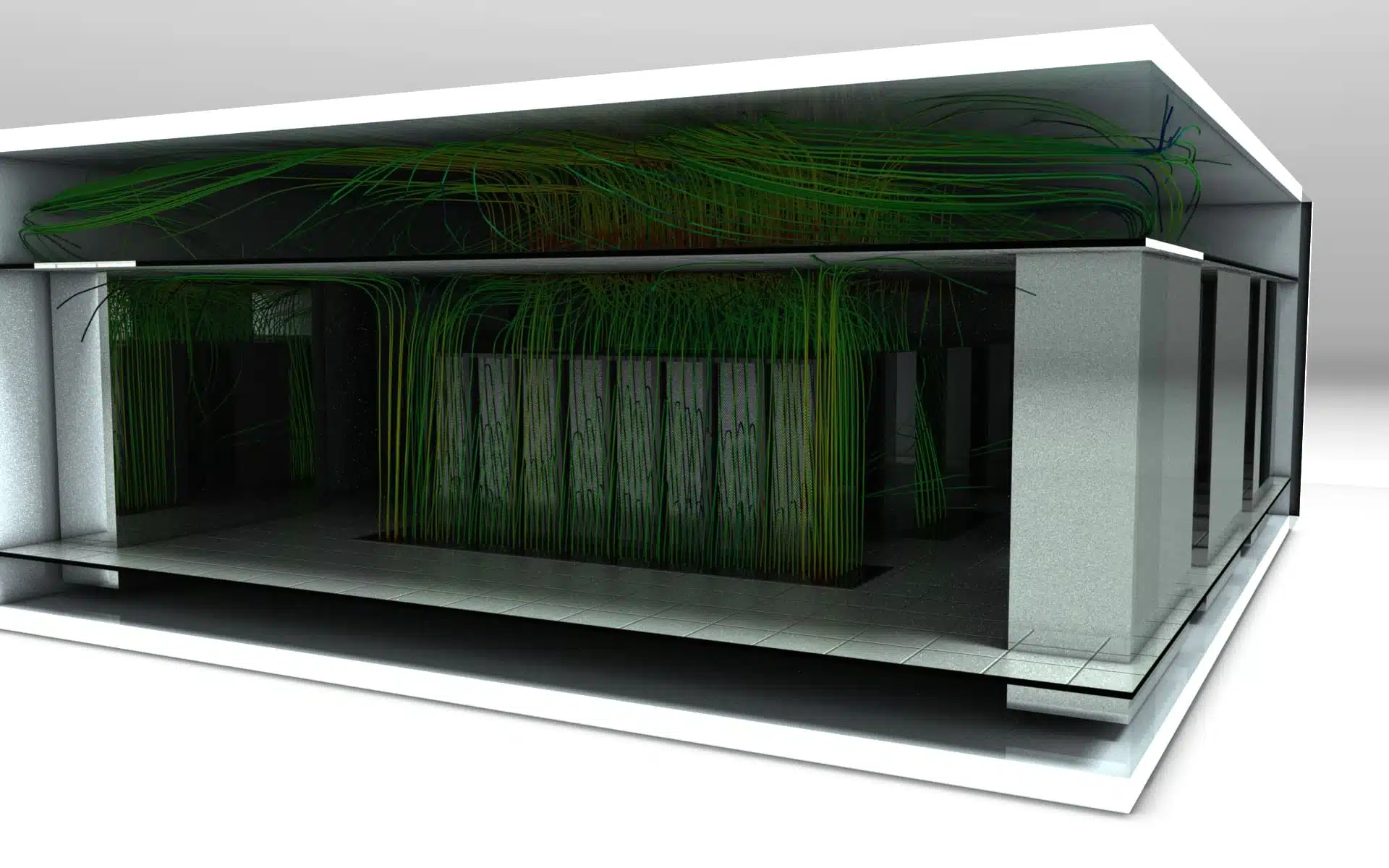
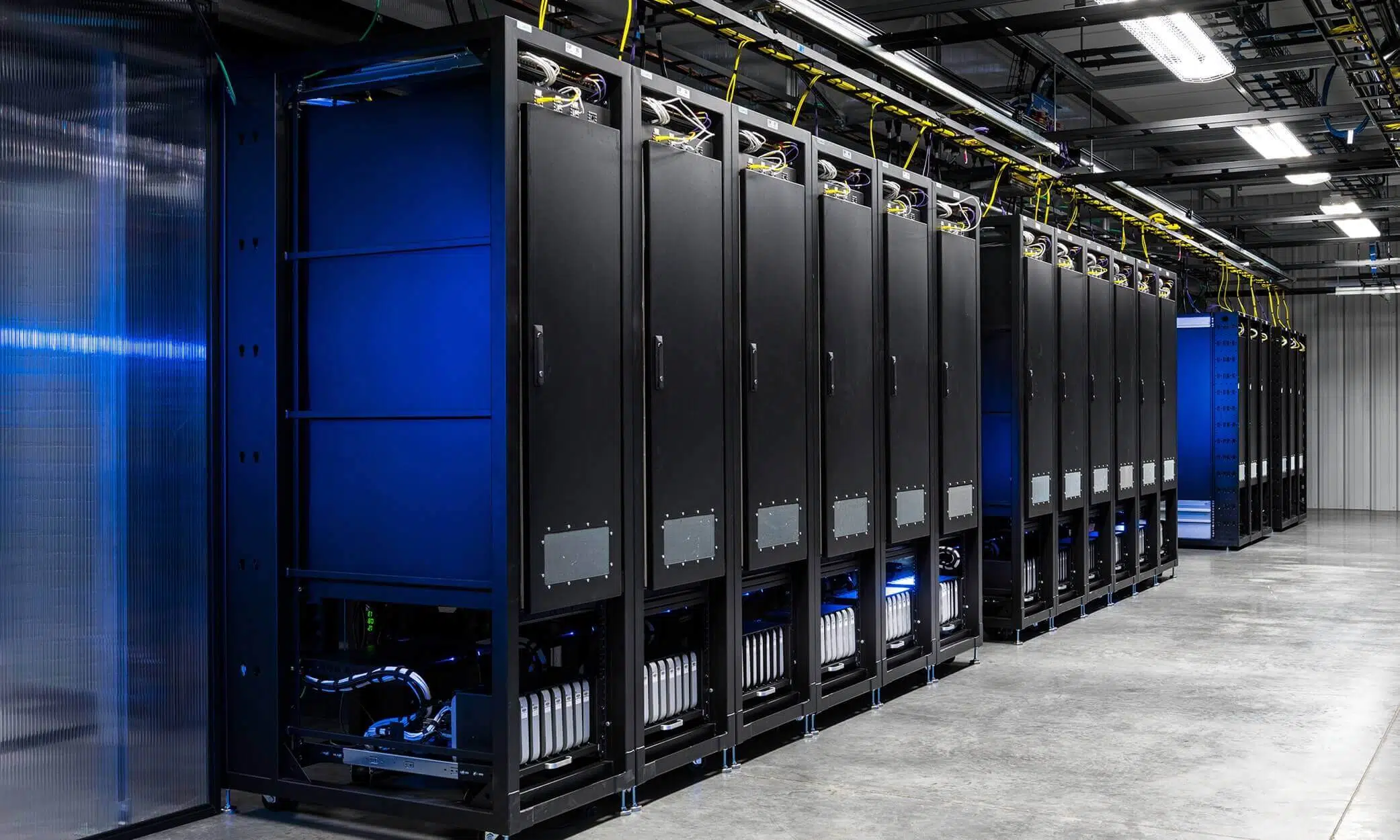
In front of the racks, cold air is supplied (usually through grilles) for the servers to draw in; the hot aisles remove heat from the back of the servers. The air ducts are generally connected to a false ceiling that draws hot air from the hot aisles to be cooled, and the cooled air is then released into the cold aisles, via a raised floor or ducts.
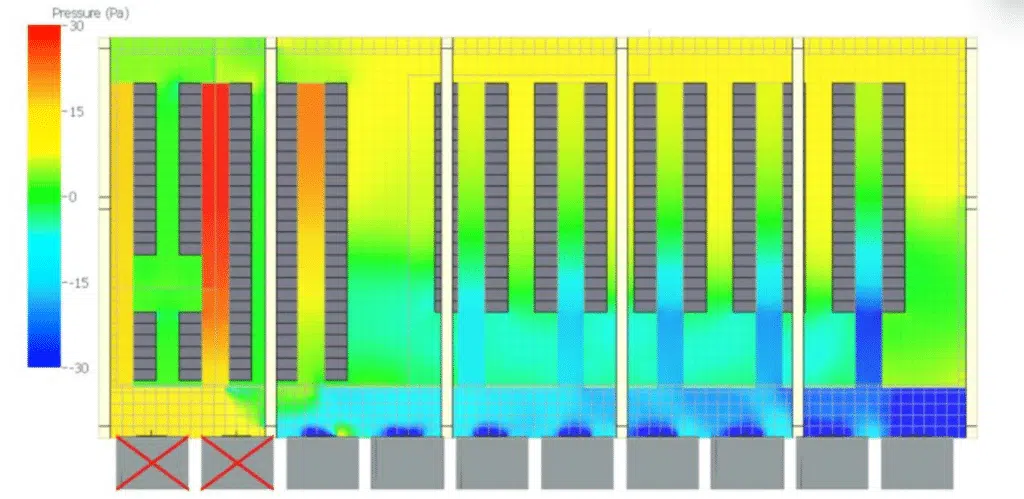
Empty server racks should be filled with blanking panels, to prevent overheating and reduce the amount of cold air wasted. The void created by the absence of servers can cause parasitic air transfers given the pressure differences between hot and cold zones; this parasitic air movement is wasted energy.

Chilled-water system
This technology is the most commonly used in medium to large data centers.
Air in the data center is delivered by air-handling systems, known as Computer Room Air Handlers (CRAH), and chilled water (supplied by a cooling system external to the facility) is used to cool the air temperature.
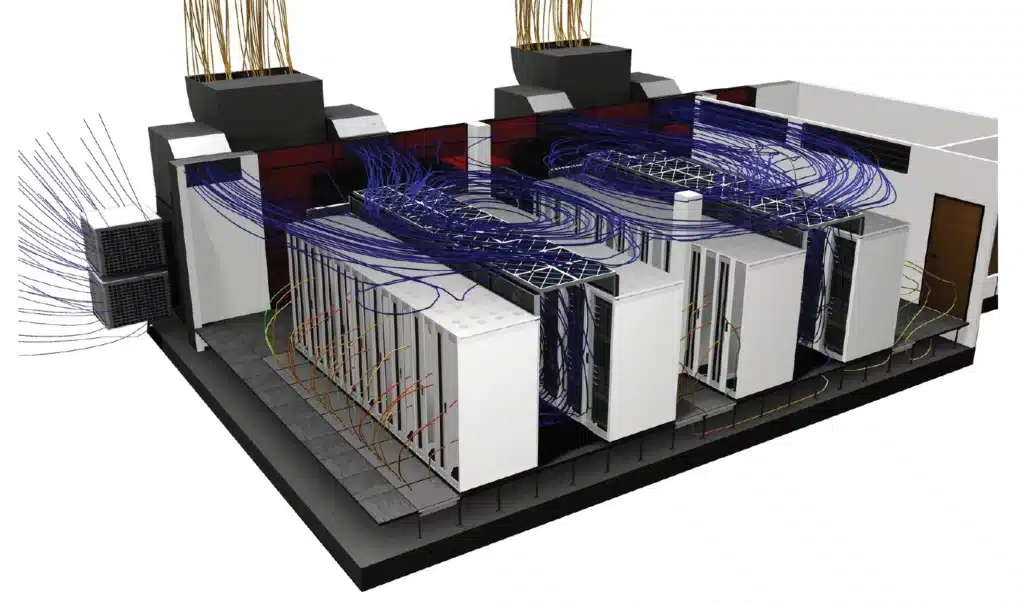
What is the difference between CRAC and CRAH units?
CRAC units
- Use a refrigerant
- Require a compressor
CRAH units
- Use chilled water
- Have a control valve
CRAC units
CRAC units work like home air-conditioning units. They have a direct-expansion system and compressors built directly into the unit. They cool by blowing air over a refrigerant-filled coil; the refrigerant stays cold thanks to an internal compressor, and the excess heat is expelled via a mix of glycol, water or air. While most CRAC units only deliver a constant volume (on/off operation), new models allowing airflow variation are under development.
There are various ways to place CRAC units, but they are generally installed opposite the hot aisles of a data center. There, they release cooled air through the perforations of the raised floor (grilles or floor-tile perforations), cooling the IT servers.
CRAH units
CRAH units work like the chilled-water air-handling units installed in most office buildings. They cool by blowing air over a coil filled with chilled water. The chilled water is usually supplied by “water chillers” — otherwise known as a chilled-water plant. CRAH units can regulate fan speed to maintain a set static pressure, ensuring humidity levels and temperature stay stable.
Chilled-water production can be achieved by direct expansion or by dry coolers of the adiabatic-cooling type, which are far more energy-efficient.
What is the optimal temperature of a data center?
Server rooms contain a mix of hot and cold air: the server fans expel hot air during operation, while the air conditioning brings in cool air to counter the hot exhaust air. Maintaining the right balance between hot and cold air has always been essential for data center availability. If a center gets too hot, the equipment faces a higher risk of failure — leading to downtime, data loss and lost revenue.
In the 2000s, the recommended temperature range was 20 to 24 °C: the range advised by ASHRAE (American Society of Heating, Refrigerating and Air-Conditioning Engineers) as optimal for maximum hardware availability and lifespan, with a sufficient buffer in case of a cooling failure.
Since 2005, new standards and better equipment have emerged, with improved tolerances for higher ranges: ASHRAE now recommends an acceptable operating range of 18 to 27 °C.
Higher server-inlet temperatures also make the use of free cooling or free chilling (using outside air to blow cool air into the room or to cool the water, instead of the chilled-water plant) far more attractive, particularly in temperate regions such as France. With setpoints of 25 °C in the room instead of 15 °C, the periods during which free cooling can be used without activating the air conditioning lengthen considerably — generating significant energy savings and improving the PUE (Power Usage Effectiveness). The same applies to free chilling, usable more often to cool the water loops (setpoint of 15 °C instead of 7 °C).
The issues of a setpoint temperature that is too high
Unfortunately, higher operating temperatures can reduce the reaction time in the event of a rapid rise caused by a cooling-unit failure. A center whose servers run at higher temperatures risks suffering simultaneous hardware failures instantly. Recent ASHRAE regulations stress the importance of proactive monitoring of the temperature inside server rooms.
What happens if it gets too hot?
When the temperature inside the center rises too much, the equipment can easily overheat, which can damage the servers. Data could be lost, causing major problems for the companies that rely on the data center's services. This is why every center must have cooling systems able to get through a crisis or maintenance period.
What happens if the air-conditioning systems fail?
Depending on the installed power density, the rise in air temperatures inside the server room can be extremely fast. During power-failure simulations we typically observe a rise of around 1 °C per minute. This results in a significant risk of hardware degradation and data loss if the redundancy and safety systems are not properly sized. Moreover, the restart and full-power activation time of the compressors is a challenge for the most demanding halls. To delay the effects, there are inertia systems that store thermal energy for a few minutes to smooth the temperature-rise curve.
Why carry out a CFD simulation of a data center?
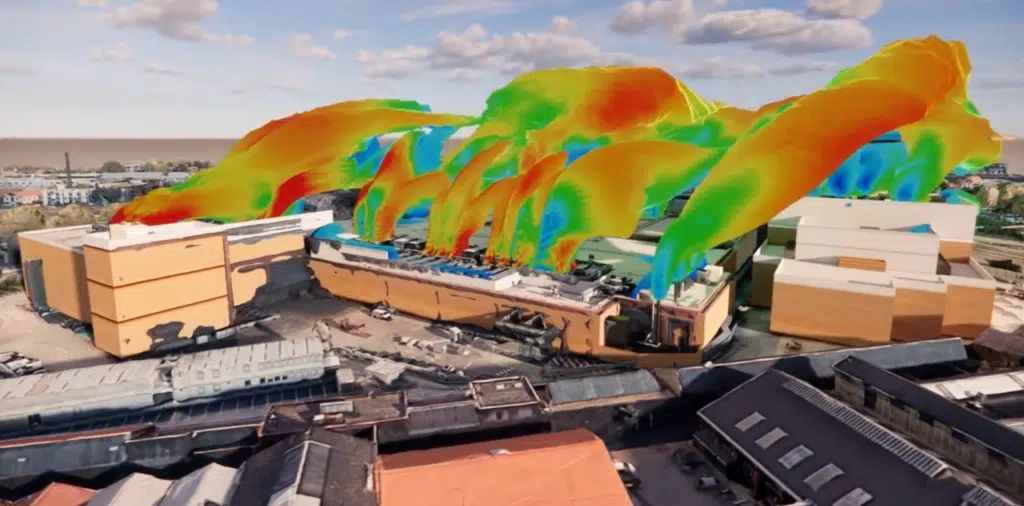
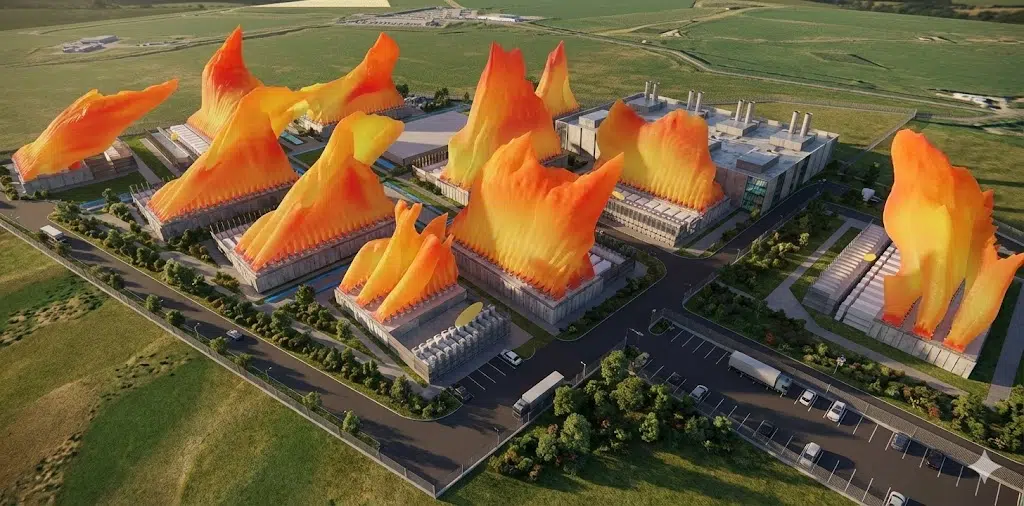
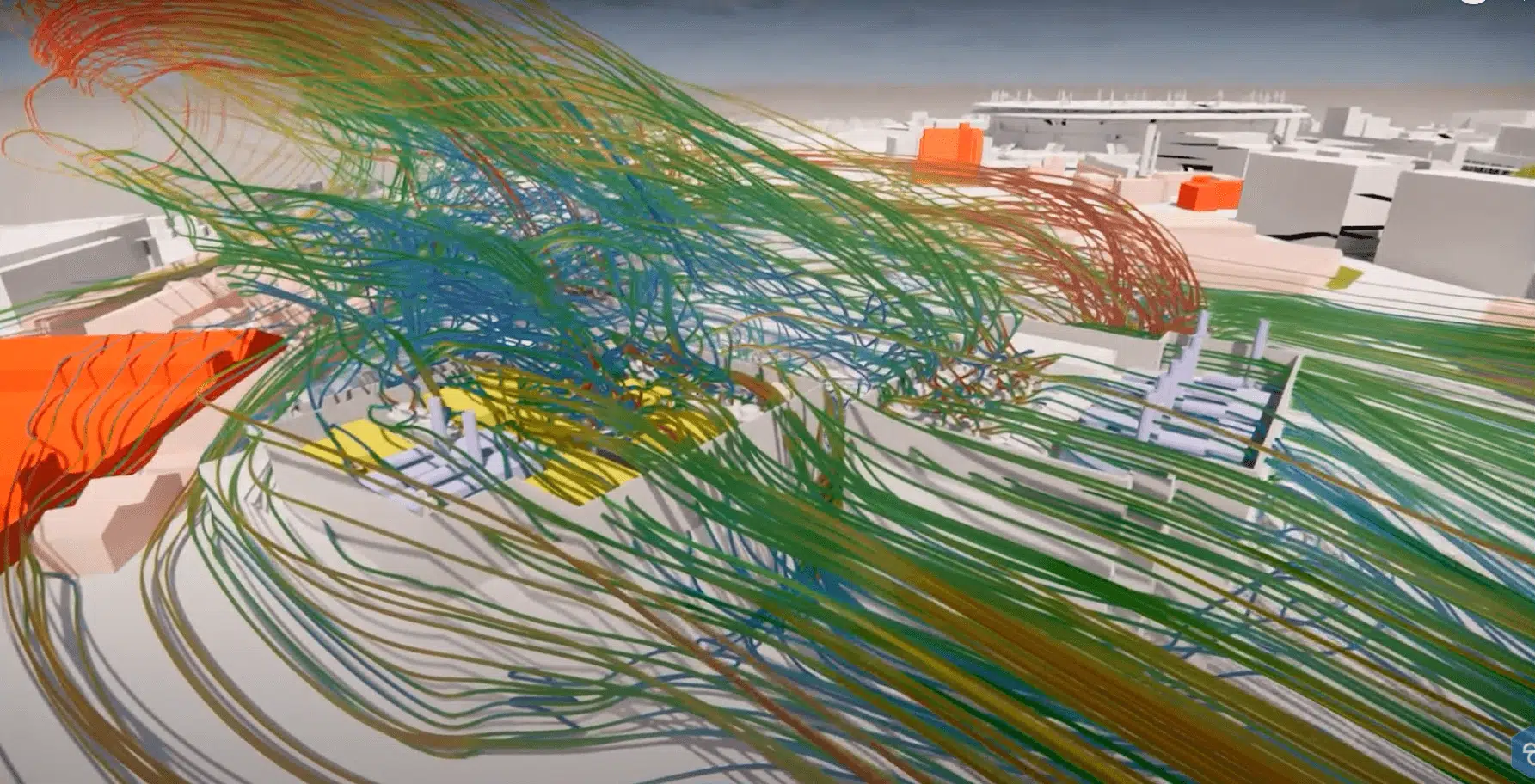
CFD simulation provides insight into the relationship between the operation of the mechanical systems and the variations in the thermal load of the IT equipment. With this information, IT and site staff can optimise airflow efficiency and maximise cooling capacity.
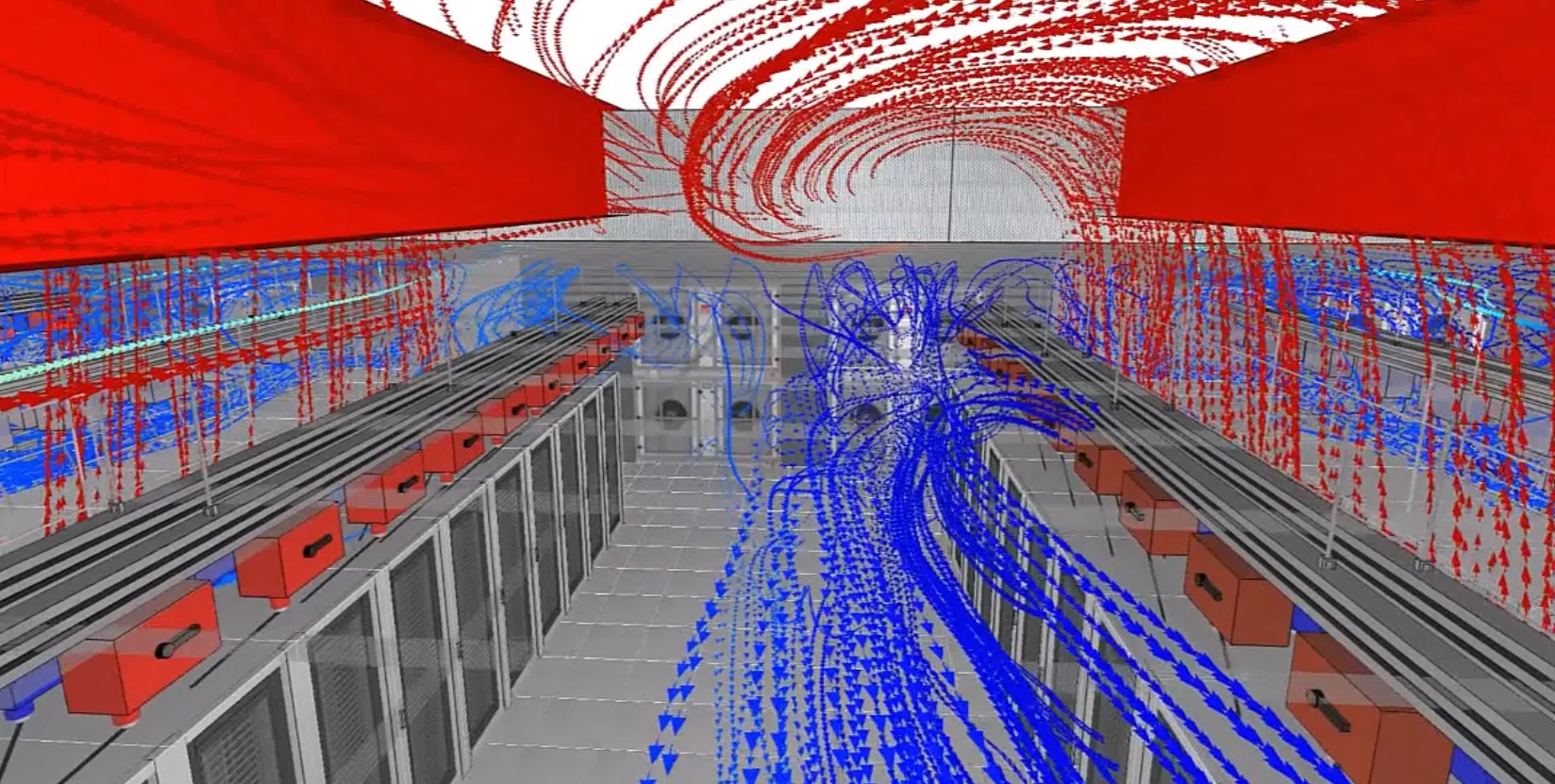
Hot spots, failure scenarios, PUE: our CFD engineers model your room and secure its cooling.